
Your Google Business Profile is a primary tool for local visibility. Optimizing this profile increases your chances of appearing in local search results and the map pack. The following strategies provide direct methods to improve your profile’s performance.
1. Update Your Core Business Information
Accurate business information is required for effective local search visibility. Your Name, Address, and Phone number must match exactly across all online directories and platforms. Inconsistent information reduces trust signals to Google’s algorithm.
Include your website URL and verify that it functions correctly. Add your business hours with attention to detail. If your hours change seasonally or during holidays, update them in advance. Google allows you to set special hours for specific dates.
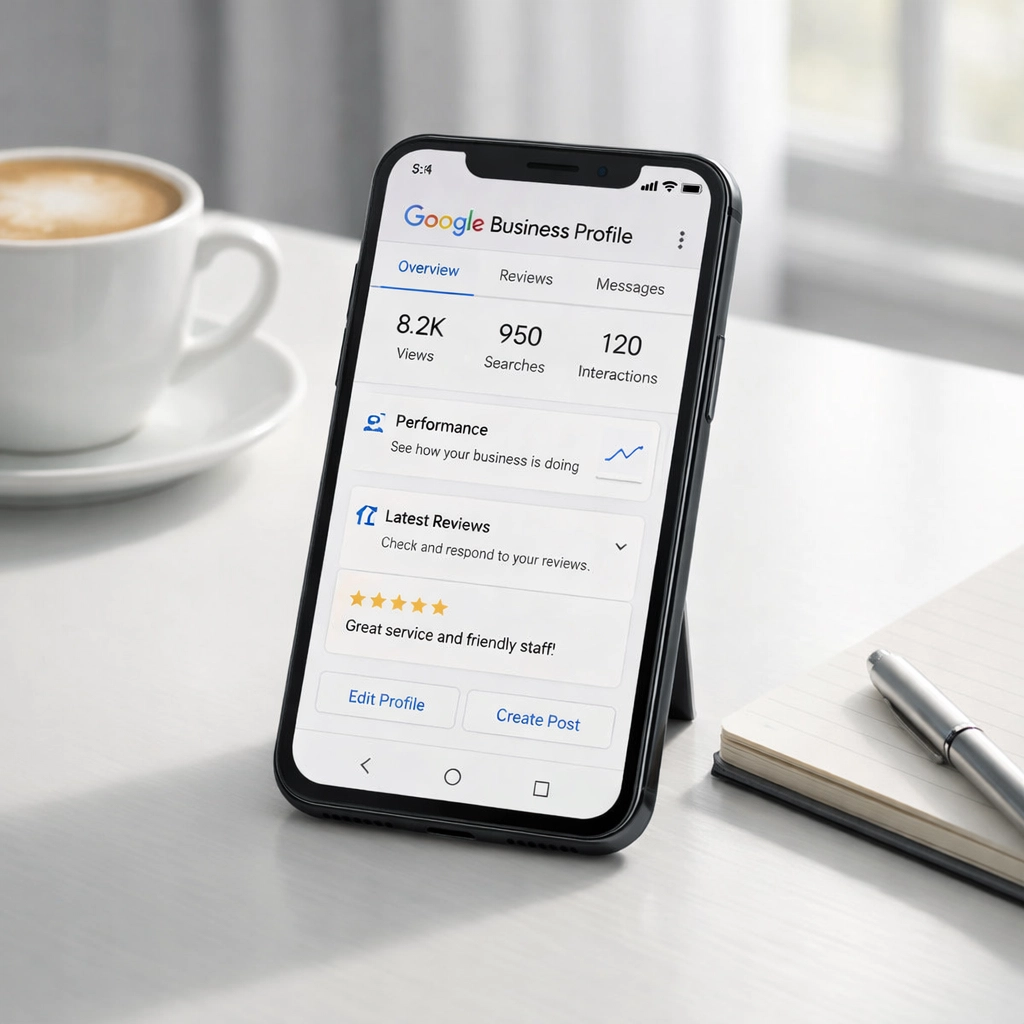
Enable relevant attributes for your business type. These include options like “wheelchair accessible,” “outdoor seating,” “Wi-Fi available,” or “online appointments.” Attributes appear in your profile and help customers understand your services before they contact you.
Review your profile monthly to ensure all information remains up to date. Business changes require immediate updates to maintain accuracy.
2. Select Categories and Keywords with Precision
Your primary category defines how Google understands your business. Choose the most specific category available rather than a broad classification. A “Pediatric Dentist” category targets a more relevant audience than simply “Dentist.” A “Commercial HVAC Contractor” performs better than a “Contractor.”
Google allows one primary category and multiple additional categories. Use this structure to cover your service range without diluting your primary focus.
Your business description provides 750 characters to explain your services. Include local keywords naturally within this space. Reference specific neighborhoods, landmarks, or regional identifiers. For example, “Serving the downtown district since 2015” or “Located near Central Park.”

Add a clear call to action to your description. Direct visitors to schedule appointments, request quotes, or visit your location. Standard phrases like “Contact us today” or “Visit our website” provide clear next steps.
Avoid keyword stuffing. Write descriptions that inform customers while incorporating location-based terms naturally.
3. Upload High-Quality Visual Content
Photos directly impact profile performance. Google reports that profiles with photos receive 42% more requests for directions and 35% more website clicks compared to profiles without images.
Upload photos of your business exterior, interior, products, services, and team members. Include images that show your workspace, equipment, or completed projects. These visuals help customers understand what to expect before they visit.
Update photos regularly to keep your profile current. Seasonal images or photos of new products maintain profile activity. Aim for professional-quality images with good lighting and composition.
Name your image files with descriptive keywords before uploading. A file named “commercial-plumbing-services-atlanta.jpg” provides more SEO value than “IMG_1234.jpg.” This practice reinforces your location and service keywords.
Google displays owner-uploaded photos prominently in search results. User-generated photos also appear, but your own images establish your brand presentation.
4. Generate and Manage Customer Reviews
Customer reviews influence local search rankings and customer decisions. Businesses with higher review counts and ratings typically rank better in local results.
Request reviews from satisfied customers through direct communication, email follow-ups, or text messages. Provide a direct link to your Google Business Profile review page to simplify the process.
Respond to all reviews, both positive and negative. Acknowledge positive feedback with brief thanks. Address negative reviews professionally by offering solutions or requesting further discussion offline.

Review responses demonstrate active management and a commitment to customer service. These interactions are visible to potential customers evaluating your business.
Embed highly-rated reviews on your website’s service or location pages. This practice reinforces credibility and provides social proof to website visitors.
Do not offer incentives for reviews or create fake reviews. These practices violate Google’s policies and can result in profile suspension.
5. Publish Regular Posts and Updates
Google Posts let you share updates directly in your search results and Maps listings. These posts keep your profile active and provide current information to searchers.
Post types include offers, events, products, and general updates. Share information about promotions, new services, upcoming events, business milestones, or industry news relevant to your customers.
Posts remain visible for seven days for standard posts and until the event date for event posts. Maintain a regular posting schedule to keep your profile fresh. Weekly or bi-weekly posts establish consistent activity.
Include a call-to-action button in each post. Options include “Learn More,” “Sign Up,” “Call Now,” or “Get Offer.” These buttons direct engagement and track user interactions.
Keep post text brief and direct. Focus on one main message per post. Use high-quality images to increase visual appeal and engagement.
Implementation Steps
Start by auditing your current Google Business Profile. Verify that all information is accurate and complete. Make necessary corrections immediately.
Add any missing photos or update outdated images. Aim for 10-15 high-quality photos that cover different aspects of your business.
Review your category selections. Ensure your primary category accurately reflects your core service or product. Add relevant secondary categories.
Establish a system for requesting customer reviews. Integrate review requests into your customer communication process.
Create a content calendar for Google Posts. Plan weekly or bi-weekly posts covering different topics relevant to your business.
Monitor your profile’s performance through Google Business Profile Insights. Track metrics like search views, map views, website clicks, and direction requests. Use this data to refine your optimization strategy.
Conclusion
Google Business Profile optimization requires consistent attention to detail and regular updates. These five strategies provide a framework for improving your local search visibility. Implementing these methods positions your business for greater discovery among local customers searching for your services.
Review your profile regularly to maintain accuracy and relevance. Local search is competitive, and active profile management provides a measurable advantage.