
Manual review requests take time. Automated systems handle the process without your involvement. This article explains how to build a system that collects customer feedback automatically.
Grow your business reputation on autopilot! Discover how to build a review generation system that asks for feedback so you can focus on running your business.
What Automated Review Requests Do
Automated review requests use software to collect customer feedback. The system sends requests based on triggers you set. You do not need to contact each customer manually.
The software connects to your sales channel or service platform. It monitors customer transactions. When a trigger occurs, it sends a review request. This happens without additional input from your team.

How Automated Review Requests Drive Measurable Business Growth
Automated systems produce measurable results. Businesses report a 75% increase in positive reviews from automated email requests. 60% of customers check online reviews before making purchases.
One business increased their Google reviews from 20 to 500 using automated requests. The system handled all outreach. No manual follow-up was required.
Review volume affects search visibility. More reviews improve local search rankings. Higher rankings generate more customer inquiries.
Setup Process
The setup follows a standard procedure. Most platforms use similar steps.
Connect Your Sales Channel
Link your eCommerce platform to the review automation tool. Supported platforms include Amazon, Shopify, Etsy, eBay, and WooCommerce. Service businesses can connect their CRM or invoicing software.
The connection allows the system to track customer transactions. It monitors purchase dates, service completion, and payment status.
Define Request Parameters
Set triggers for review requests. Common triggers include:
- Completed service appointments
- Paid invoices
- Product delivery confirmation
- Specific number of days after purchase
Configure the timing for each trigger. Some businesses wait 3 days after delivery. Others send requests immediately after service completion.

Create Your Message
Write the review request message. Keep it brief. Include a direct link to your review platform.
Most tools provide templates. Customize the template with your business name and specific details. Personalization increases response rates.
The message should explain why reviews matter. Keep the explanation short. Focus on the action you want customers to take.
Activate Automation
Turn on the automation. The system begins monitoring for triggers. When a trigger occurs, it sends the request automatically.
Monitor performance during the first week. Adjust timing or messaging if response rates are low.
Advanced Implementation Strategies
Basic automation works. Advanced strategies increase results.
Use Satisfaction Surveys First
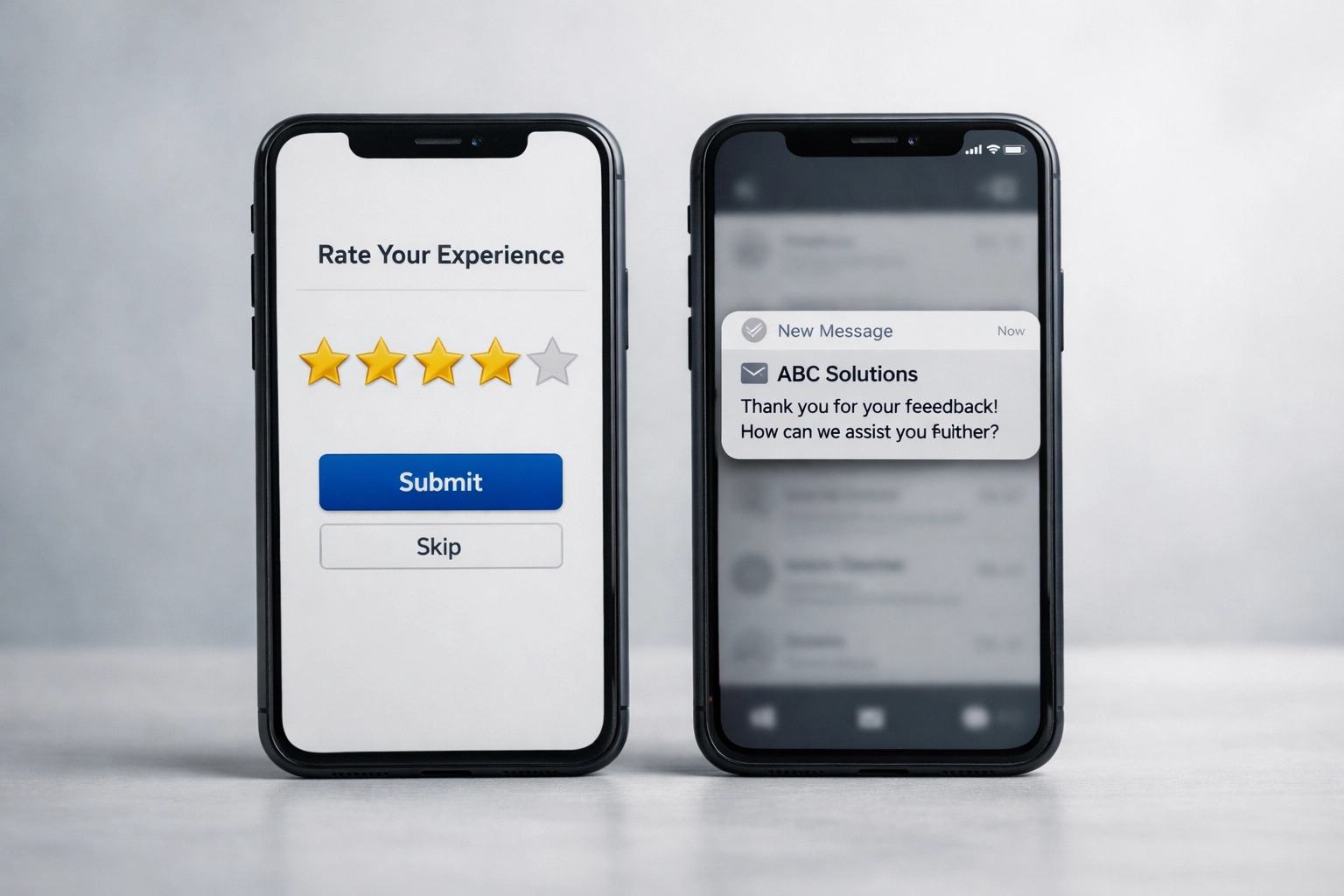
Send a satisfaction survey before requesting a review. Ask customers to rate their experience on a scale of 1-10. This is called a Net Promoter Score survey.
Only request reviews from customers who rate their experience 8 or above. This approach increases positive review rates. It prevents negative reviews from unhappy customers.
Route lower scores to your customer service team. Address issues before they become public reviews. 85% of customers contact customer service before leaving negative reviews.

Set Contact Frequency Limits
Configure time-based limits between requests. Do not contact the same customer more than once every 90 days. Frequent requests reduce response rates.
Skip customers who already responded to previous requests. The system should track engagement history. Remove engaged customers from future automated campaigns.
Target Multiple Review Platforms
Configure requests for specific platforms based on your industry. Google reviews matter for local businesses. Amazon reviews matter for eCommerce sellers.
Some tools manage reviews across 40+ sites simultaneously. These include Google, Yelp, Facebook, Amazon, and industry-specific platforms. Multi-channel coverage increases overall review volume.
Specify which platform to prioritize for each customer type. B2B customers may prefer LinkedIn or industry directories. B2C customers typically use Google or Facebook.
Response Management
Automation applies to review responses as well. Configure automated responses for new reviews. This demonstrates engagement.

Use templates for common review types. Positive reviews receive thank-you messages. Neutral reviews request additional feedback. Negative reviews trigger customer service notifications.
Some platforms offer AI-generated responses. These tools analyze review content and generate appropriate replies. Review and approve AI responses before they publish.
Quick responses build trust. Customers notice when businesses engage with feedback. Response time affects how potential customers perceive your business.
Performance Tracking
Monitor key metrics to measure system effectiveness. Track these numbers:
- Review request send rate
- Email open rate
- Click-through rate to review platform
- Review completion rate
- Average review rating
Compare metrics before and after implementing automation. Most businesses see improvement within 30 days. Adjust your approach based on performance data.
Test different message variations. Send version A to half your customers and version B to the other half. Compare completion rates. Use the higher-performing version.
Implementation Considerations
Choose tools that integrate with your current systems. Integration reduces manual data entry. It ensures customer information stays current.
Review platform terms of service before implementing automation. Some platforms restrict automated requests. Others require specific language in request messages. Compliance prevents account suspension.
Configure the system to respect customer preferences. Include an opt-out option in all messages. Remove customers from automation if they request it.
Data security matters when connecting systems. Verify that tools meet industry security standards. Customer information requires protection during transmission and storage.
Getting Started
Start with basic automation. Connect one sales channel. Set one trigger. Use a simple message template.
Monitor results for two weeks. Make adjustments based on customer feedback and completion rates. Add complexity after the basic system proves effective.
Automated review requests generate consistent results. The system works continuously without manual intervention. This approach scales as your business grows. Visit our resources page for additional tools and guides.