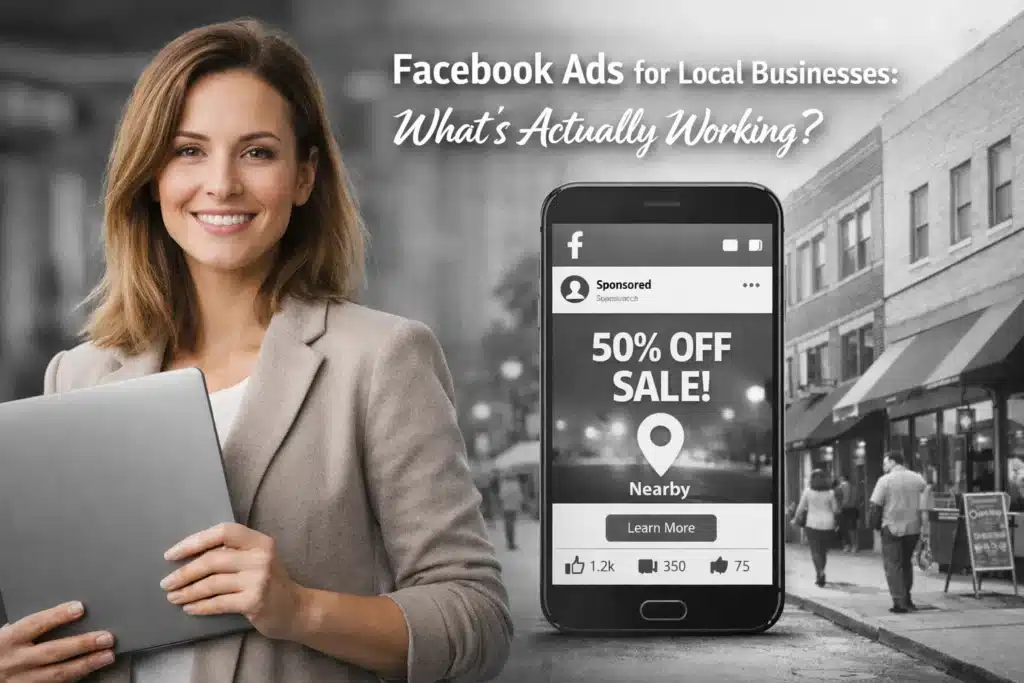
Instagram offers several tools to convert online followers into in-store visitors. This guide outlines methods for implementing location-based features and targeted content strategies.
Set Up Your Profile for Local Discovery
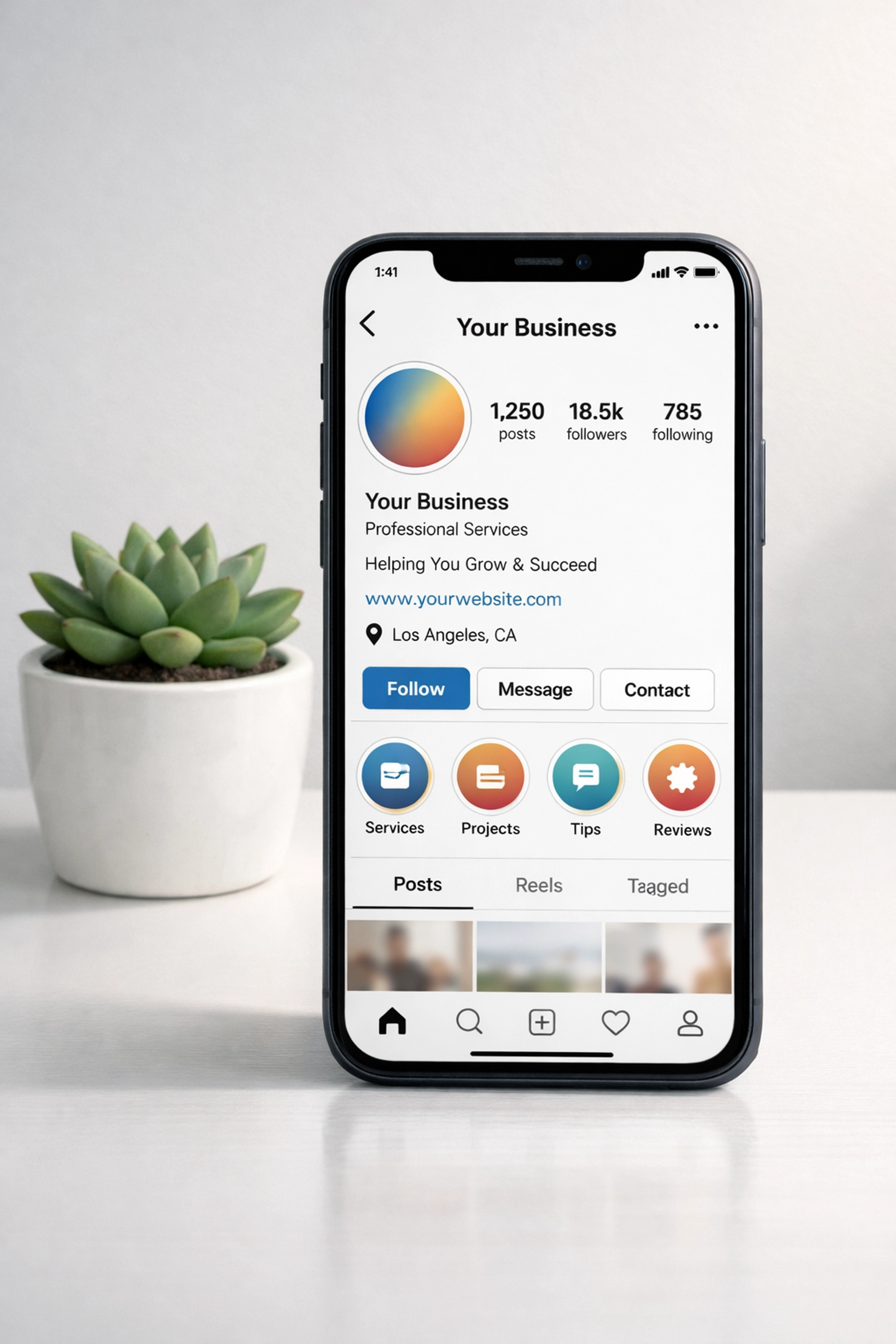
Configure your Instagram business profile with complete location information. Add your full physical address in the bio section. Include contact details such as phone number and email address. Enable the call-to-action button to provide directions to your store location.
Select the appropriate business category in your profile settings. This classification helps Instagram display your account to users searching for local businesses in your industry. Verify your business account to access location-based analytics and advertising features.
Use Location Tags on All Content
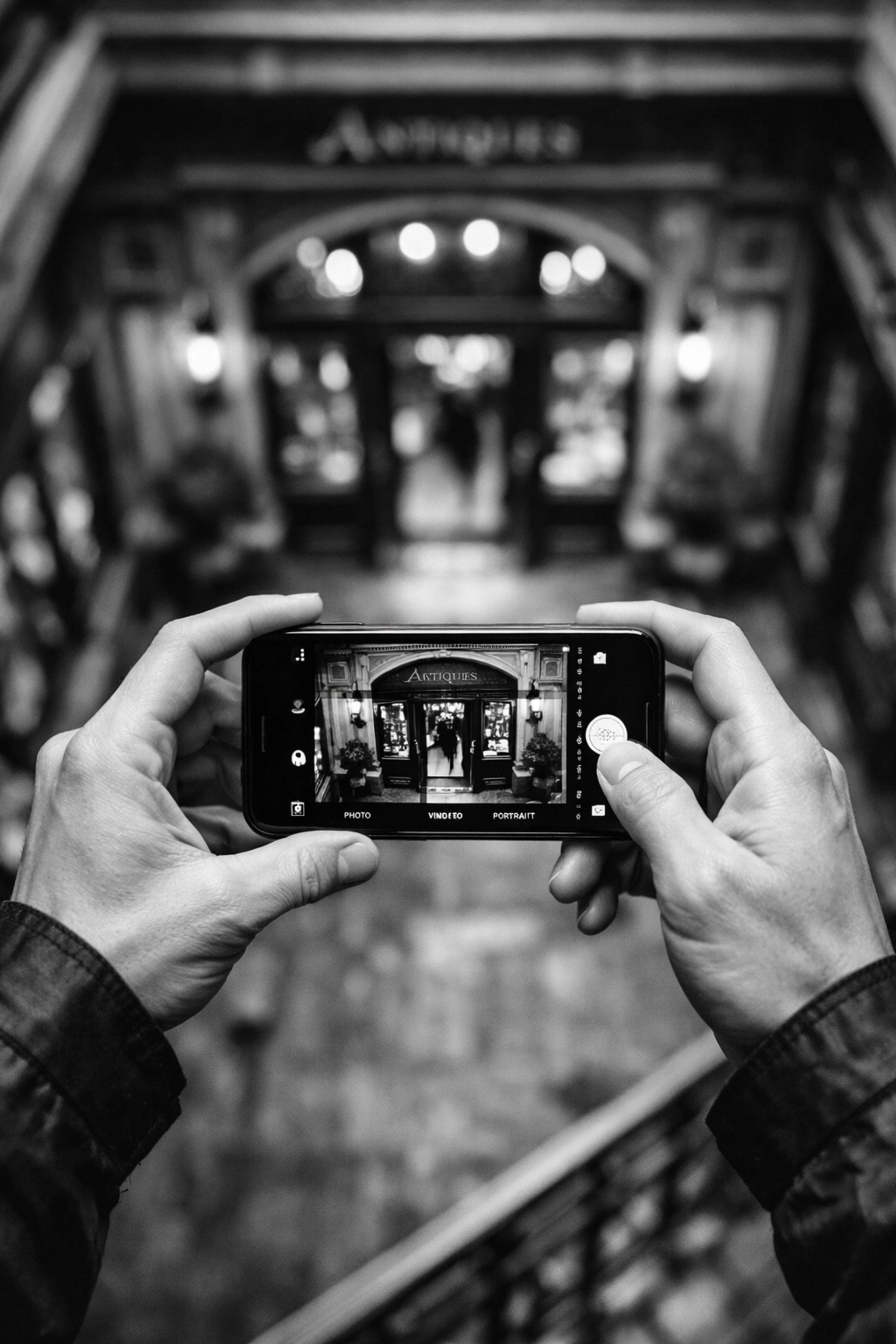
Apply location tags to every post and Story you publish. Tagged content appears on your business location page on Instagram. This creates an additional discovery point for local users browsing nearby businesses.
Location tags increase visibility in two places. Content shows on your main profile and on the geographic location page. Users searching for businesses in your area will find your tagged content in both locations.
Research Local Hashtags
Identify hashtags used by your local community. Search for neighborhood names, city districts, and regional landmarks. Monitor competitor accounts and local influencers to find relevant hashtags.
Create a list of 10-15 local hashtags to use consistently. Include a mix of broad location tags and specific neighborhood identifiers. Add industry-specific hashtags combined with your city name to target local customers interested in your product category.
Create Store-Specific Content
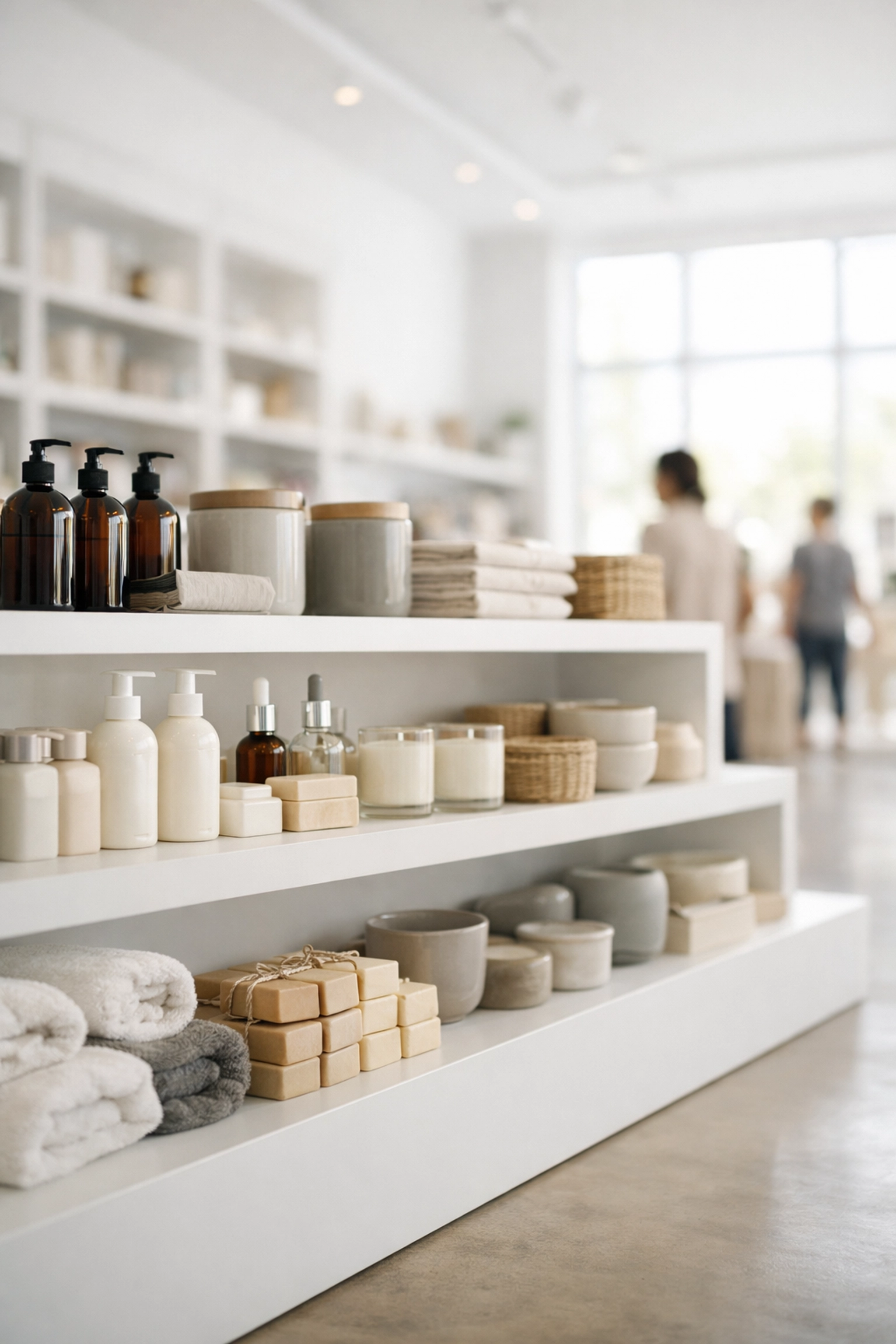
Post content that highlights your physical location. Share photos of your storefront, interior displays, and staff members. Show products available exclusively at your brick-and-mortar location.
Feature customer experiences in your store. Post images of shoppers trying products or attending in-store events. User-generated content builds credibility and demonstrates real people visiting your location.
Run Geo-Targeted Advertisements
Set up Instagram ads with geographic targeting parameters. Define a radius around your store location to reach nearby users. Adjust the distance based on your typical customer travel patterns.
Focus on creative in-store offers and local promotions. Include clear calls to action that direct users to visit your physical location. Use phrases like “Visit our store today” or “Stop by this weekend” in ad copy.
Design ads with high-quality product images. Keep text overlays minimal and ensure brand logos are visible but not dominant. Test multiple image variations to identify which creative drives the most store visits.
Optimize Ad Copy for Conversions
Write concise ad text that states exactly what you want users to do. Limit copy to 125 characters or fewer. Lead with the primary benefit or offer available at your store.
Include specific details such as “Available in-store only” or “While supplies last at our location.” Create urgency with time-limited promotions tied to physical store visits.
Link ads to mobile-optimized landing pages. Ensure landing pages include your store address, hours of operation, and a map with directions. Avoid directing users to generic brand pages without location information.

Leverage Instagram Stories for Immediate Action
Post Stories with location stickers and countdown timers. Announce same-day promotions or flash sales available only at your physical store. Use the countdown feature to build anticipation for in-store events.
Add “Swipe Up” links (for accounts with 10,000+ followers) or link stickers to direct users to your store locator page. Include text overlays with your store address and current availability of featured products.
Create Stories showing real-time inventory. Post updates like “3 units remaining in-store” or “Just restocked at our Main Street location.” Inventory scarcity motivates nearby followers to make immediate store visits.
Promote In-Store Events and Experiences
Announce store events through feed posts and Stories. Share details about product launches, demonstrations, or community gatherings at your location. Post event reminders 48 hours and 24 hours before the scheduled time.
Use Instagram Live to broadcast from your store during events. Show the atmosphere and activity at your physical location. Encourage viewers to visit in person by highlighting exclusive event benefits not available through the livestream.
Create event-specific hashtags to track engagement and user-generated content. Encourage attendees to post their own content using your event hashtag. Share user posts to your Stories to demonstrate active community participation.
Offer Alternative Fulfillment Options
Promote buy online, pick up in-store (BOPIS) services through your Instagram content. Explain the convenience of ordering online and picking up your purchases at your physical location the same day.
Feature curbside pickup options for customers who want to minimize time in the store. Post instructions for using these services and highlight the speed and efficiency of the process.
Show behind-the-scenes content of staff preparing online orders for in-store pickup. This transparency builds trust in your fulfillment process and encourages followers to use these services.
Track Location-Based Performance Metrics
Access Instagram Insights to monitor the performance of location-tagged content. Review which posts drive the most profile visits and website clicks. Identify content patterns that drive high engagement among local followers.
Track store-visit conversions if you have enabled advanced attribution in Instagram’s business tools. Connect your Instagram account to Facebook Business Manager to access detailed conversion data.
Monitor hashtag performance to determine which local tags drive the most reach and engagement. Adjust your hashtag strategy based on performance data. Replace underperforming hashtags with new local identifiers.
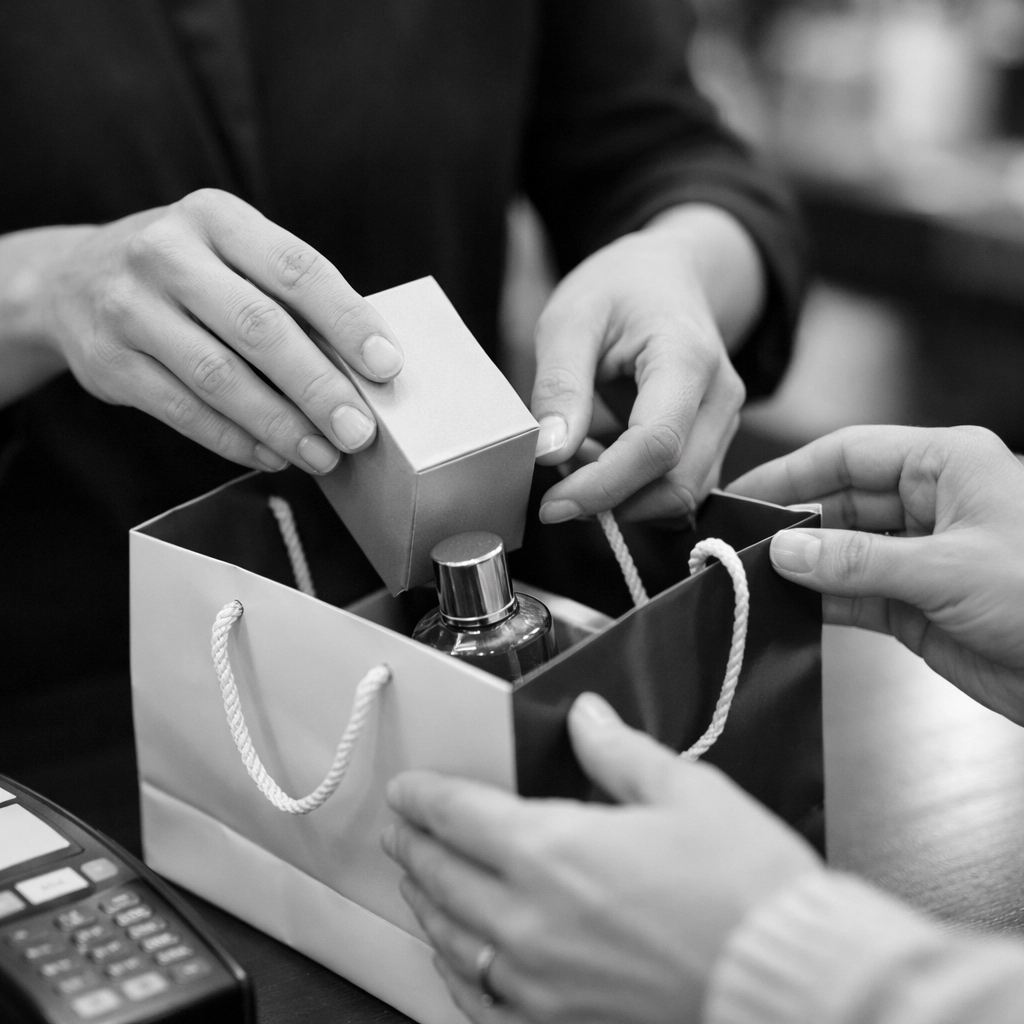
Display Social Proof from Local Customers
Share customer reviews and testimonials from people who visited your store. Create graphic posts featuring positive feedback about the in-store experience. Include customer names and photos when you have permission.
Repost user-generated content showing customers with products purchased at your location. Tag customers in your shares and thank them for visiting your store. This encourages other followers to visit and share their own experiences.
Feature staff members in your content. Introduce team members by name and show them interacting with customers. Personal connections make your store more approachable and encourage followers to visit.
Implement a Consistent Posting Schedule
Post content at times when your local audience is most active on Instagram. Review your Insights data to identify peak engagement hours. Schedule posts to publish during these high-activity periods.
Maintain a regular posting frequency of 3-5 times per week. Consistency keeps your business visible in followers’ feeds. Mix promotional content with educational and community-focused posts.
Plan content themes around your business calendar. Promote seasonal inventory, upcoming sales, and local events. Give followers reasons to check your profile regularly for updates about your physical location.
Key Instagram Tactics to Drive In-Store Visits
Instagram offers several features to drive customers to physical stores. Implement location tags, local hashtags, and geo-targeted advertising to reach nearby users. Create urgency with inventory updates and time-limited in-store offers. Track performance metrics to refine your strategy and increase store visits. For more marketing strategies, visit our resources page.