
Your Google Business Profile affects your local search rankings. Errors in your profile reduce visibility and customer trust. This guide covers the most common mistakes and provides solutions.
Incomplete Profile Information
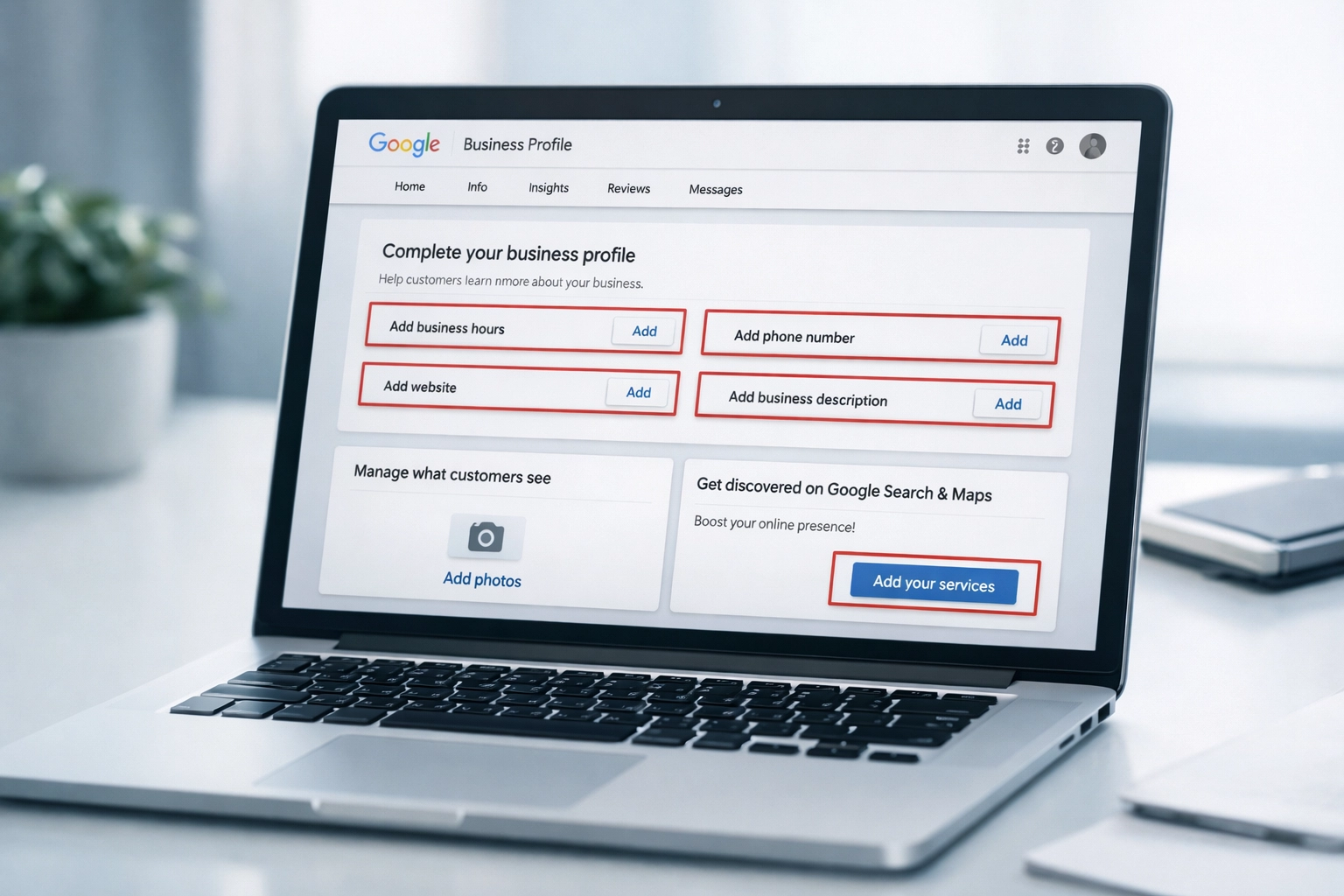
An incomplete profile signals low business activity. Google prioritizes complete profiles in search results. Customers skip profiles that lack basic information.
Fill out every available field:
- Business hours
- Contact information
- Website URL
- Service area
- Business description
- Product and service descriptions
- Attributes (wheelchair accessible, women-owned)
Complete profiles receive more visibility in local search results. Update missing sections in your profile dashboard.
Incorrect Business Category
Your primary category determines which searches display your profile. Selecting a broad category reduces ranking potential. A restaurant listing under “Restaurant” performs worse than one under “Mexican Restaurant.”
Select the most specific category available. Add secondary categories for additional services. Review your category selection quarterly. Update categories when your business offerings change.
Name, Address, and Phone Inconsistencies
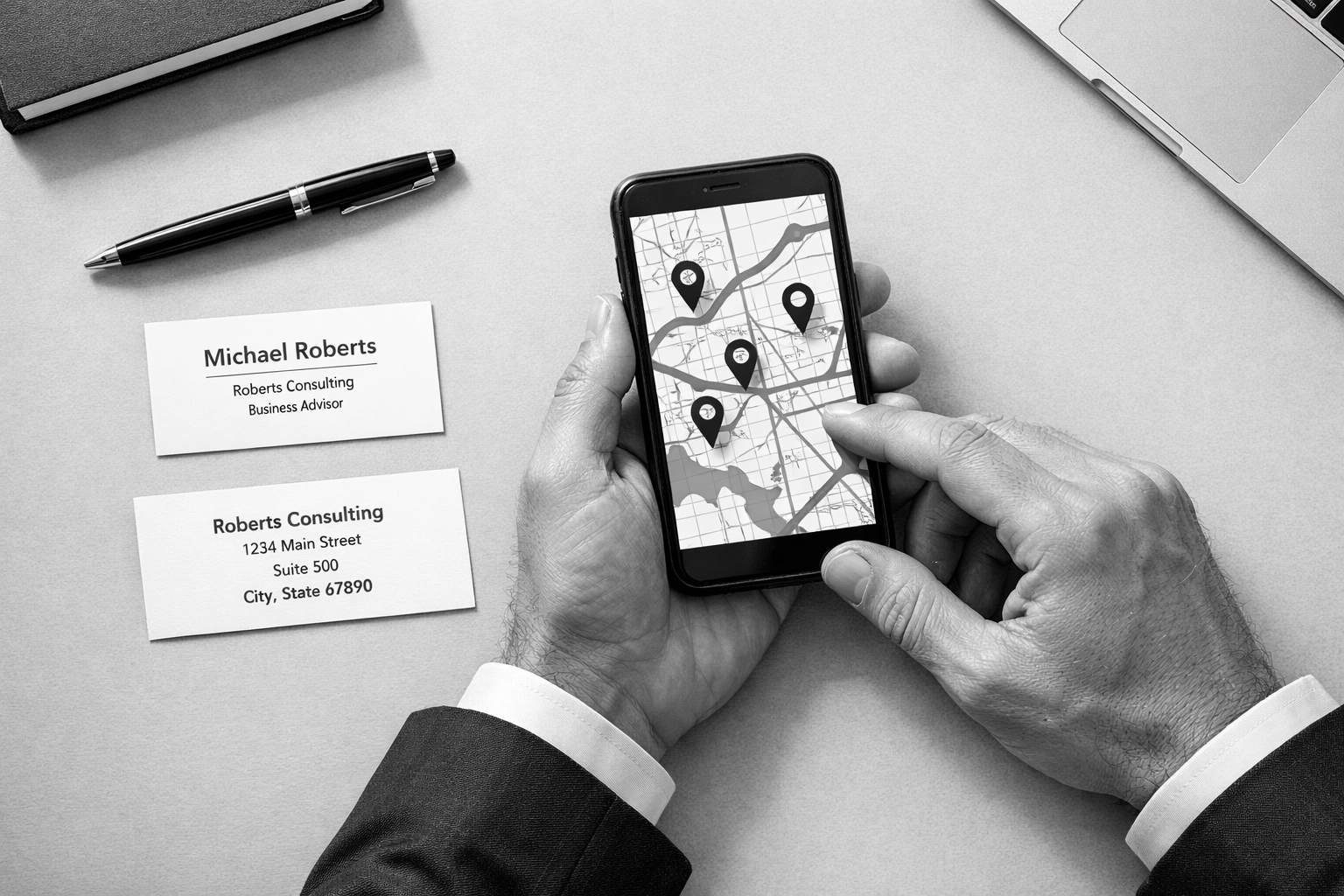
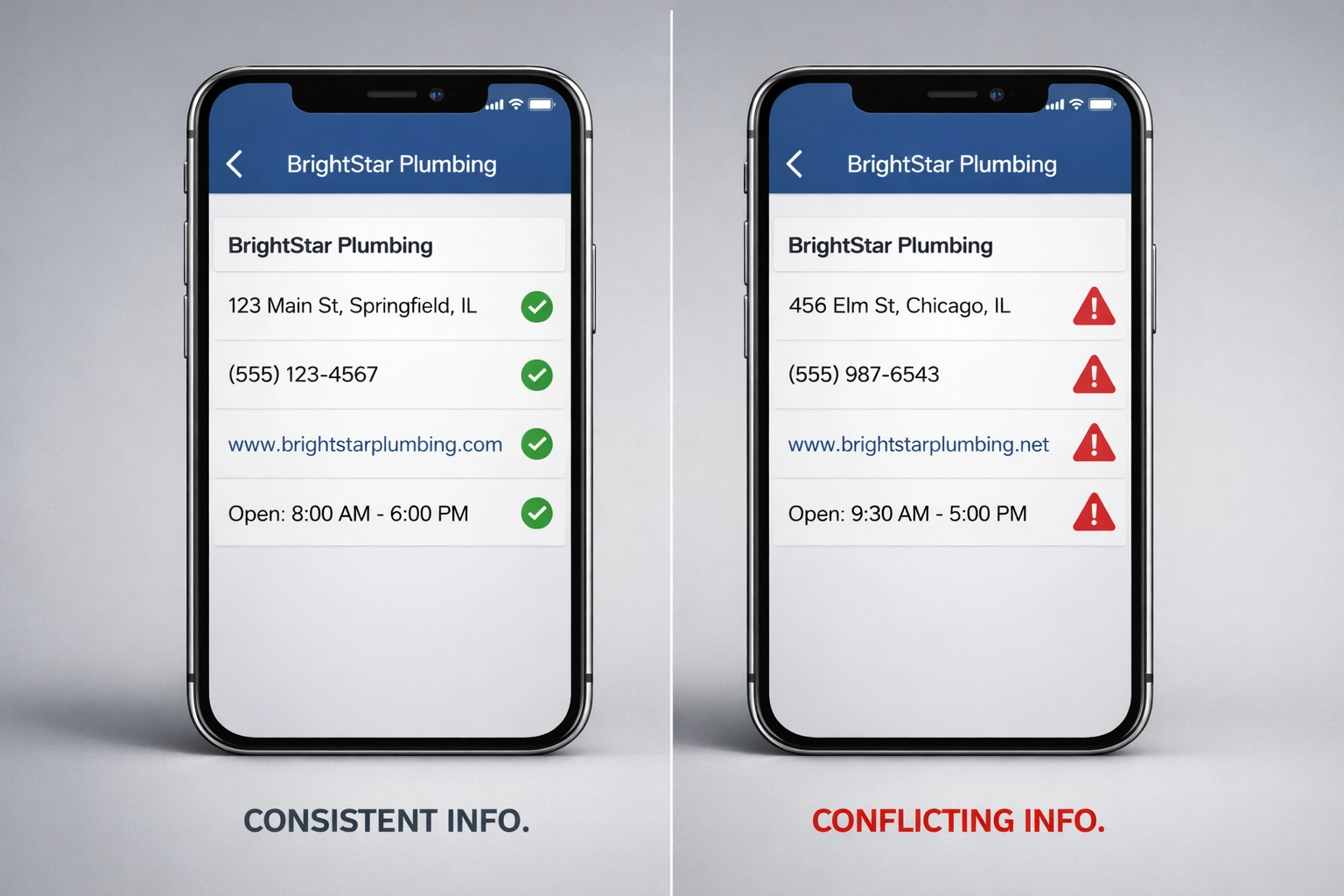
NAP consistency affects local search rankings. Variations across directories create confusion for Google’s algorithm. Old phone numbers, different address formats, and name variations damage profile performance.
Audit your business listings across all directories. Use identical formatting everywhere:
- Same address abbreviations
- Consistent phone number format
- Exact business name match
Update outdated information on review sites, social media, and business directories. Research indicates 68% of consumers stop using businesses with incorrect online information.
Keyword Stuffing in Business Name
Adding keywords to your business name violates Google guidelines. Examples include “Smith Plumbing | Emergency Plumber Dallas” or “Best Pizza – Joe’s Restaurant.”
Google penalizes profiles with keyword-stuffed names through suspensions, ranking drops, or forced edits. Use your legal business name only. The name should match your storefront signage and legal documents.
Missing or Low-Quality Photos
Photos increase customer engagement with your profile. Profiles with quality images receive more clicks, calls, and direction requests.
Upload photos of:
- Exterior and interior spaces
- Team members
- Products or services
- Work results
- Before and after comparisons
Add new photos monthly. Use high-resolution images with good lighting. Avoid stock photos or overly edited images.
Unclear or Missing Services
Service descriptions help Google match your profile to customer searches. Vague terms like “general services” or “quality work” don’t match actual search queries.
List specific services that correspond to customer searches. Use clear service names. Include pricing when applicable. Update your services section when offerings change.
Find and Merge Duplicate Google Business Profiles
Multiple profiles for one business location confuse Google’s ranking system. Duplicate profiles split your reviews and engagement metrics.
Search for duplicate profiles of your business. Request ownership of duplicates through Google Business Profile support. Merge profiles when possible. For name changes, document the transition and consolidate old profiles.
Limited Service Area
An undefined or inaccurate service area limits your visibility. Businesses serving multiple areas need proper geographic settings.
Edit your service area in your profile manager. Add up to 20 service areas. Be specific with locations rather than listing entire counties. Update service areas as your coverage expands.

Outdated Business Hours
Incorrect hours result in lost customers and negative reviews. Holiday hours require updates throughout the year.
Set regular business hours in your profile. Mark holidays and special closures in advance. Update hours immediately when they change. Check your hours section monthly.
No Posts or Updates
Regular posts signal an active business. Fresh content improves profile engagement and visibility.
Post weekly updates about:
- Special offers
- New products or services
- Business news
- Behind-the-scenes content
- Seasonal promotions
Keep posts concise and relevant. Include images with posts when possible.
Ignoring Reviews and Performance Data
Reviews affect local search rankings. Unanswered reviews reduce customer trust. Performance metrics show how customers find your business.
Respond to all reviews within 48 hours. Thank customers for positive reviews. Address concerns in negative reviews professionally. Check your Performance tab monthly to track:
- Search queries
- Customer actions
- Photo views
- Direction requests
Compare metrics month-over-month to identify trends.
Implementation Steps
Fix these mistakes using this process:
- Audit your current profile completeness
- Update incorrect information immediately
- Add missing photos and services
- Set up a monthly review schedule
- Create a posting calendar
- Monitor performance metrics
Regular maintenance prevents these issues from recurring. Schedule quarterly profile audits to catch new problems early.
Your Google Business Profile requires ongoing attention. Small errors compound over time, reducing your local search performance. Address these common mistakes to improve visibility and customer engagement.