Local search rankings determine business visibility. Tracking these rankings provides data to improve search performance. This guide covers methods and tools for monitoring local search positions.
Understanding Local Rank Tracking
Local rank tracking monitors how a business appears in search results within specific geographic areas. This tracking differs from standard SEO monitoring. Local rankings change based on searcher location. A business may rank first in one neighborhood and tenth in another.

Tracking tools simulate searches from different locations. These tools provide data on ranking positions across service areas. The data shows where marketing efforts succeed and where they need improvement.
Two Primary Tracking Methods
Local Rank Trackers
Local Rank Trackers (LRT) monitor organic and map rankings for specific keywords over time. These tools track keyword performance in search results. They generate reports showing ranking positions on specific dates.
LRT tools work for snapshot-style reporting. They track keywords you select. The tool records where your business appears for each keyword. This method suits businesses monitoring a small number of important search terms.
Geo-Grid Tracking
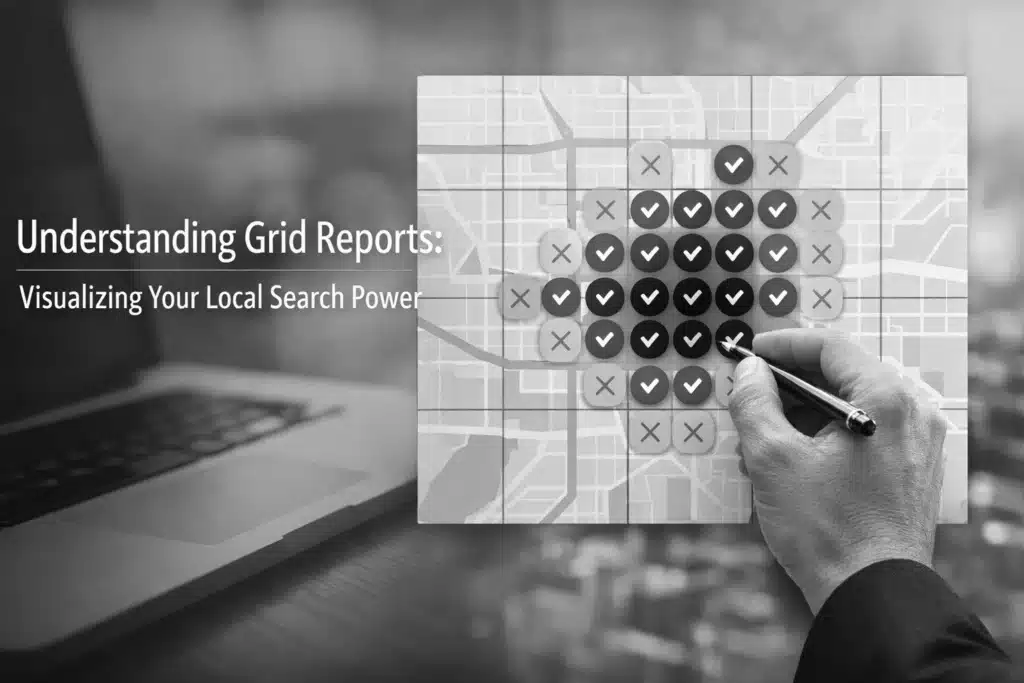
Geo-grid tracking provides visual representation of rankings across areas. The tool simulates searches from multiple points in a city or region. Results appear on a map-style grid.
Each point on the grid shows the ranking position for selected keywords. The visual format highlights strong and weak areas. This method works for businesses serving larger geographic regions.
Steps for Geo-Grid Setup
Define the Grid Area
Select the geographic area for tracking. Choose a grid size based on the service area. Measurements use meters or miles.
Smaller grids provide detailed data for compact areas. Larger grids cover wider regions with less granular detail. The grid should match actual service boundaries.
Enter Target Keywords
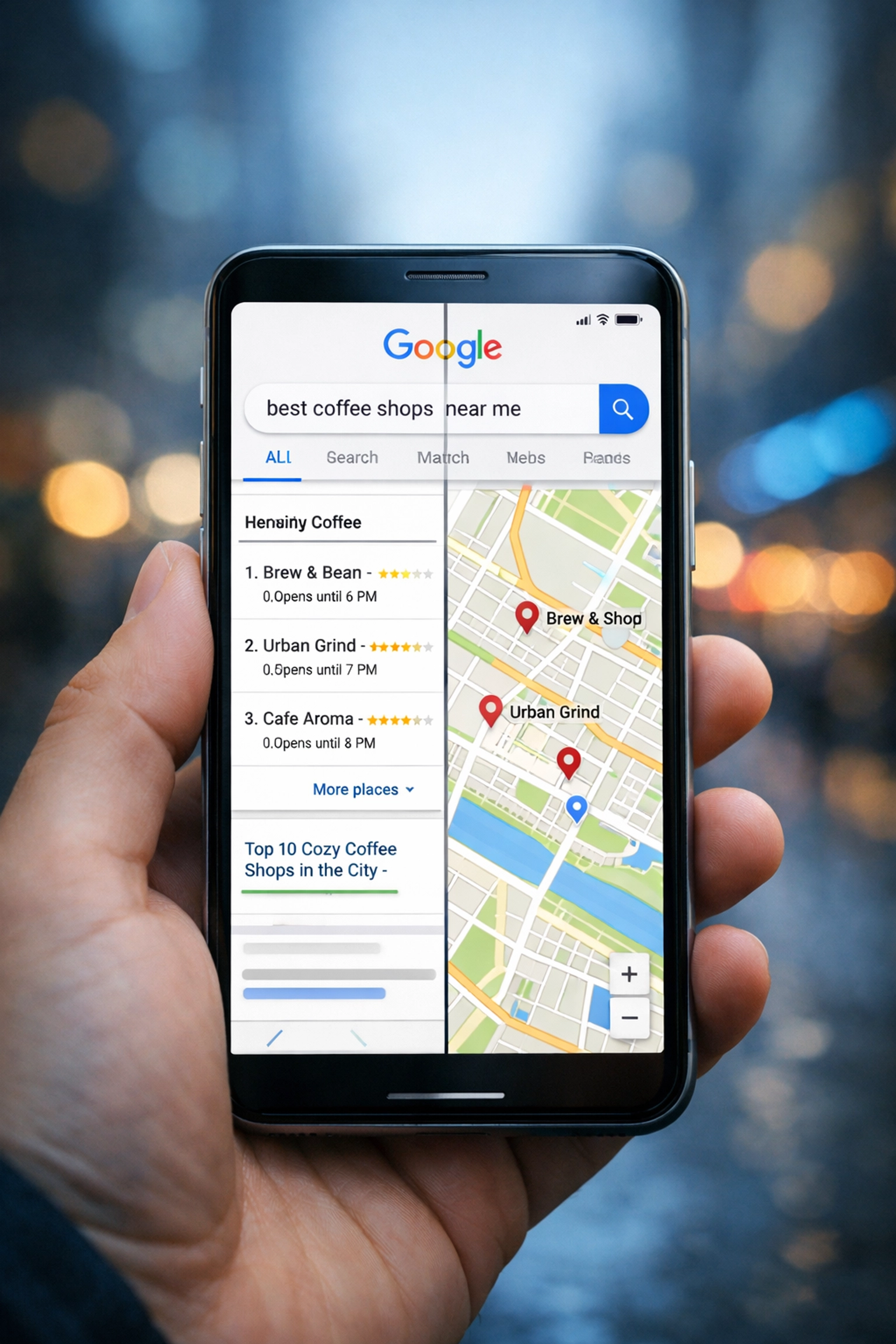
Add up to five local keywords for tracking. Select keywords customers use to find your services. Include location modifiers in keyword phrases.
The tool tests each keyword at every grid point. Results show variations in ranking across the selected area.
Set Report Frequency
Choose how often the tool generates reports. Options include ad hoc, weekly, or monthly reporting.
Weekly reports track short-term changes. Monthly reports show longer trends. Ad hoc reports provide data when needed for specific analysis.
Configure Notifications
Select recipients for automated reports. Email notifications send results to team members. This automation eliminates manual checking.
Essential Tool Features
Real-Time Monitoring
Tracking tools should update data regularly. Real-time monitoring shows current ranking positions. Alerts notify users when rankings change significantly.
This feature prevents delayed response to ranking drops. Quick notification allows immediate investigation and action.
Competitor Analysis
Tools should track competitor rankings alongside your business. Side-by-side comparison shows the competitive position at each grid point.

This data identifies where competitors outrank your business. It also shows areas where your business leads. The information guides strategy adjustments.
Customizable Grid Control
Adjust scan areas to match service zones. Set custom grid sizes and shapes. This flexibility ensures data matches actual business coverage.
Some areas require dense grid points for accuracy. Other areas need only basic coverage. Custom controls provide appropriate detail for each zone.
Device-Specific Data
Rankings differ between mobile and desktop searches. Tools should separate data by device type.
Mobile rankings often matter more for local searches. Most local searches occur on mobile devices. Tracking both device types provides complete visibility.
SERP Feature Tracking
Monitor appearances in special search features. Track Local Pack positions separately from organic results.
Local Pack appears above organic listings. Position in this feature drives significant traffic. Separate tracking shows performance in this high-value space.
Google Business Profile Integration
Tools should connect with Google Business Profile data. Integration provides comprehensive local presence monitoring.
This connection shows how profile optimization affects rankings. It links profile views, actions, and ranking positions in one dashboard.
Benefits of Systematic Tracking
Prevent Customer Loss
Competitors with better rankings capture potential customers. Regular tracking identifies when rankings drop. Early detection allows a quick response before significant customer loss occurs.

Identify Expansion Opportunities
Grid tracking reveals untapped areas. Some neighborhoods may show weak rankings despite being within service areas. This data highlights where to focus marketing efforts.
Verify Marketing Effectiveness
Tracking shows whether marketing activities improve rankings. Compare ranking data before and after campaigns. This verification proves marketing ROI.
Eliminate Manual Work
Automated tracking saves hours of manual searching. Tools check dozens or hundreds of location-keyword combinations. Manual checking of this volume is impractical.
Remove Personalization Bias
Personal search results show biased rankings based on search history. Tracking tools provide unbiased data. Results show what typical customers see, not personalized versions.
Implementing a Tracking System
Start with core service keywords. Add tracking for primary service areas first. Expand to additional keywords and locations after establishing baseline data.
Review reports on a regular schedule. Weekly reviews work for active campaigns. Monthly reviews suit stable, established businesses.
Document ranking changes. Note dates of major shifts. Cross-reference with marketing activities, algorithm updates, and seasonal factors.
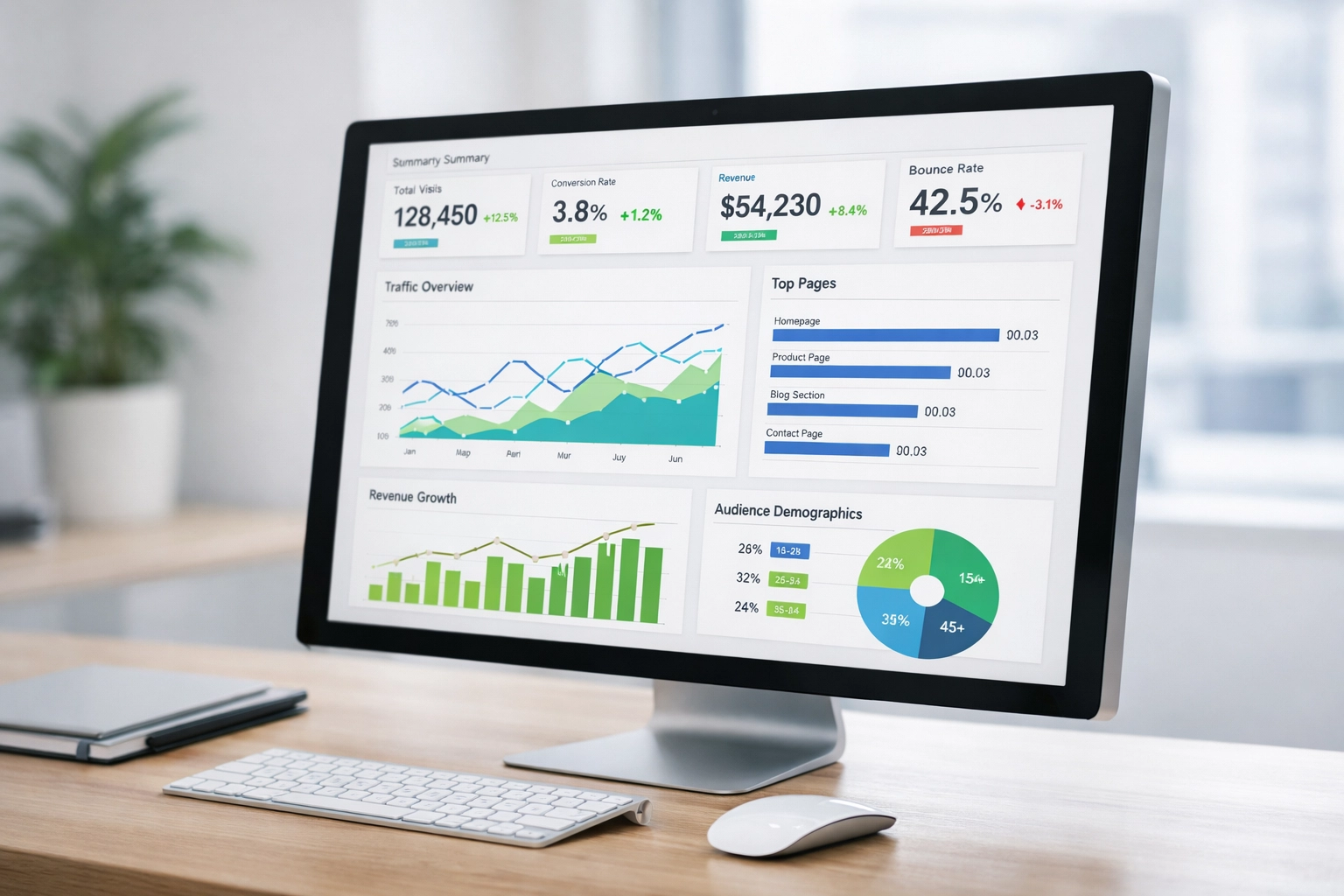
Share reports with relevant team members. Marketing staff need data to guide campaigns. Management needs reports to evaluate the returns on marketing investments.
Adjust tracking parameters as business needs change. Add new service areas when expanding. Remove outdated keywords that no longer drive business.
Maximize Local Visibility with Rank Tracking Insights
Local rank tracking provides essential data for business visibility. Grid-based tracking and keyword monitoring work together to provide a complete view of local search performance. Regular monitoring identifies problems early and highlights opportunities for growth. Implementing a systematic tracking process ensures that marketing efforts target the right areas and deliver measurable results.